 GCH
GCH
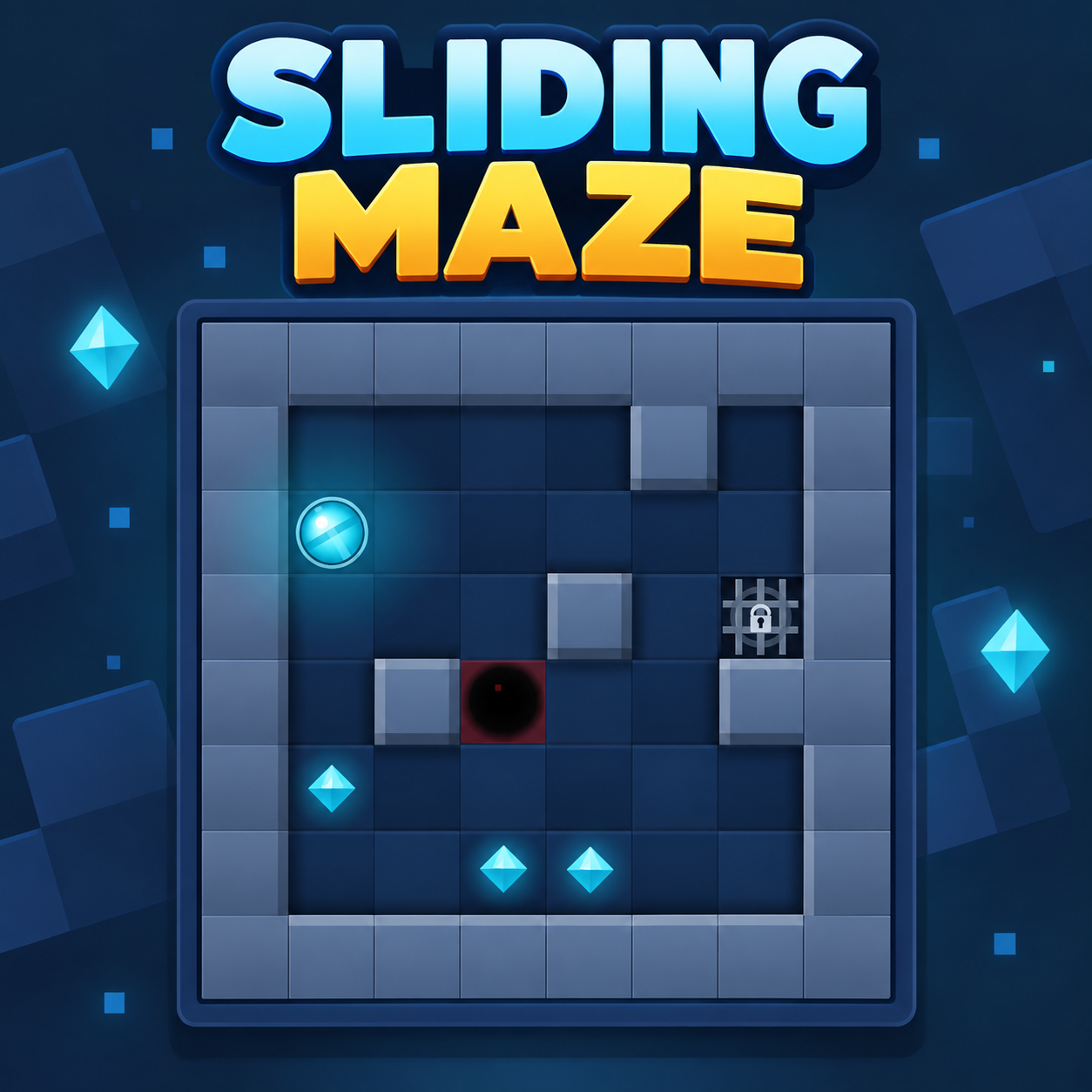
Sliding Maze
Guide a sliding ball through tricky mazes, collect all gems, and reach the goal without falling into pits.
Similar Games
 Lafleurdle
 Quintissential
 KenKen
 Wordle Website
 Bus Escape: Clear Jam
 Golf Puzzle
 Escape From Pizzeria
 Country Drawing Game
 Solitaire Daily
 Dynamons Connect
 Jeep Horror
 Her Trees
More Games to Play
 +1 Speed Keyboard Escape
 FallZone IO
 Diep IO
 Be a Lucky Block
 Dig out of Prison
 Get Yoked
 Scritchy Scratchy
 Poppy Playtime
 Hole IO
 Battle Blast
 Kick a Lucky Block
 Five Nights at Winston's
 Escape Animals
 Elastic Man
 Bullet Force
 Build Now GG
 Escape Tsunami Brainrots Online
 Rider Rush
Recently Played
Loading your recent games...
About Sliding Maze
Sliding Maze is a clever logic puzzle where every move matters. You control a ball that cannot stop on its own—once you send it in a direction, it slides until it hits a wall or another solid barrier. This simple rule turns ordinary mazes into brain-teasing challenges where walls become tools for navigation.
Your goal is to collect all the gems in each level and then reach the exit. However, pits are scattered throughout the maze, and sliding into one will force you to restart. Planning your route is essential, because the shortest-looking path is rarely the safest or most effective.
The game features compact but increasingly tricky layouts that require foresight. You need to think about where the ball will stop after each slide and whether that position sets up a useful next move. As puzzles grow more complex, you'll need to consider multiple steps ahead.
Sliding Maze also includes helpful features like Undo and Hint options for difficult spots, star rewards for efficient solutions, and different ball skins to unlock. Whether you're a casual player or a puzzle enthusiast, the game offers a satisfying mix of challenge and accessibility.
How to Play Sliding Maze
Examine the maze layout to find all gems, pits, walls, and the goal. Choose a direction to slide the ball. The ball will keep moving until it hits a wall or barrier. Collect every required gem before reaching the goal. Avoid pits, as falling into one resets the level.
Tips for Sliding Maze
Plan your route before making the first move. Use walls to stop the ball in positions that allow access to gems or the goal. Be cautious around pits—sometimes an indirect path is safer than the obvious one. If you get stuck, use the Hint or Undo options to retrace your steps.